CD Drives

View:

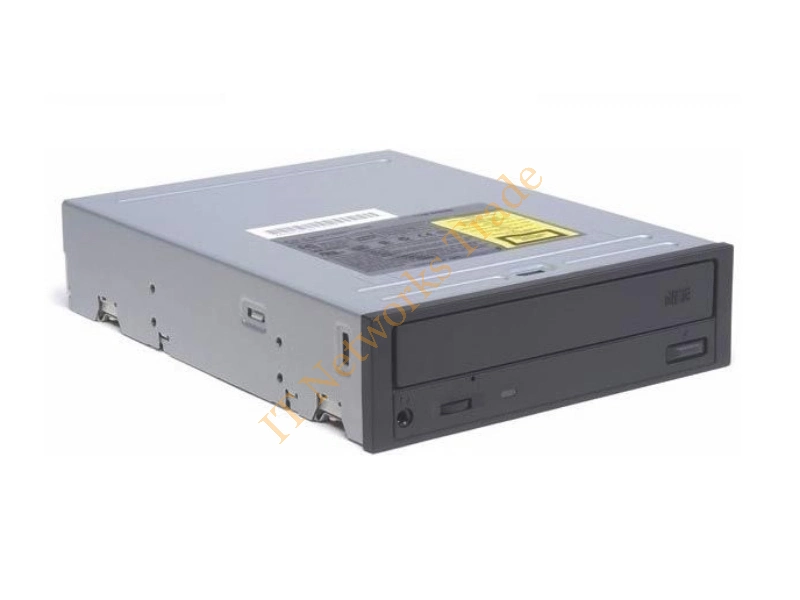
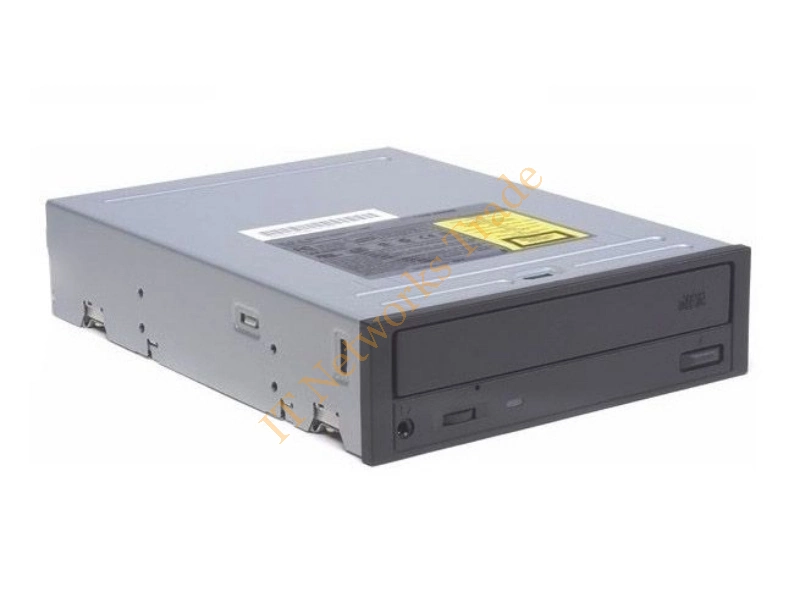
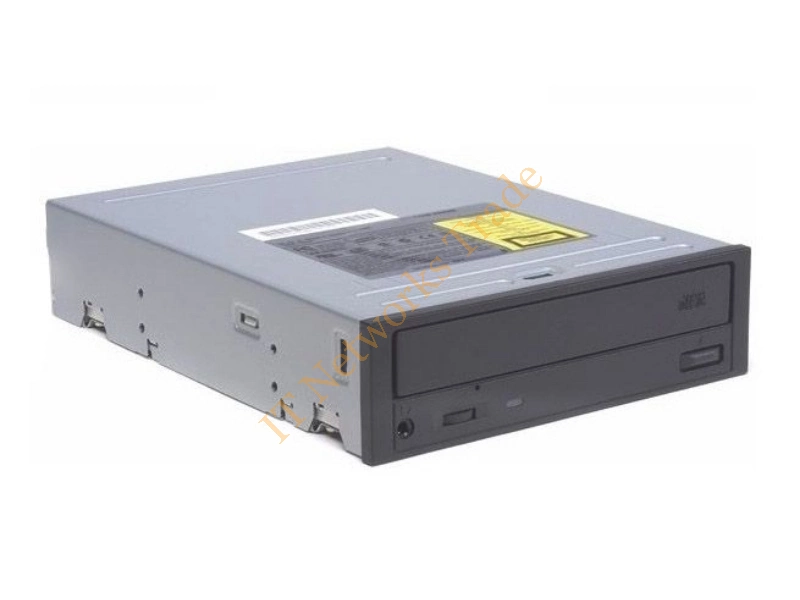
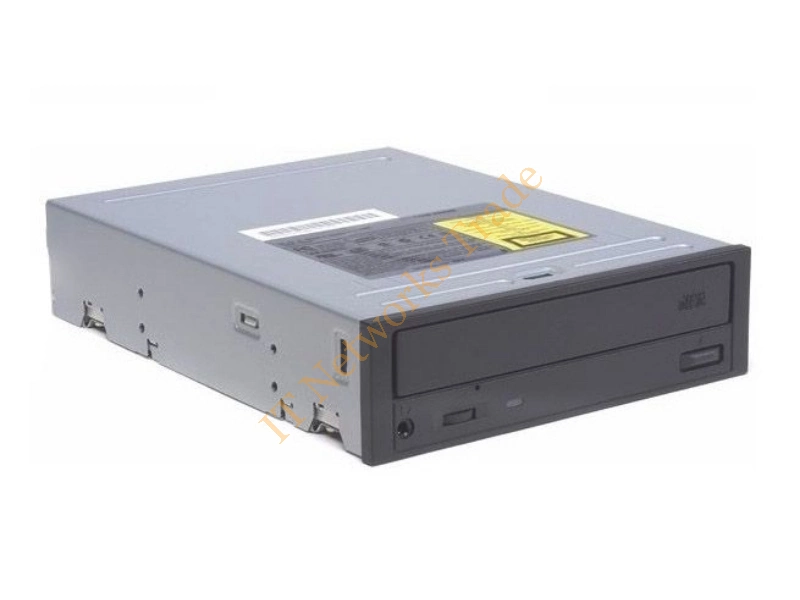
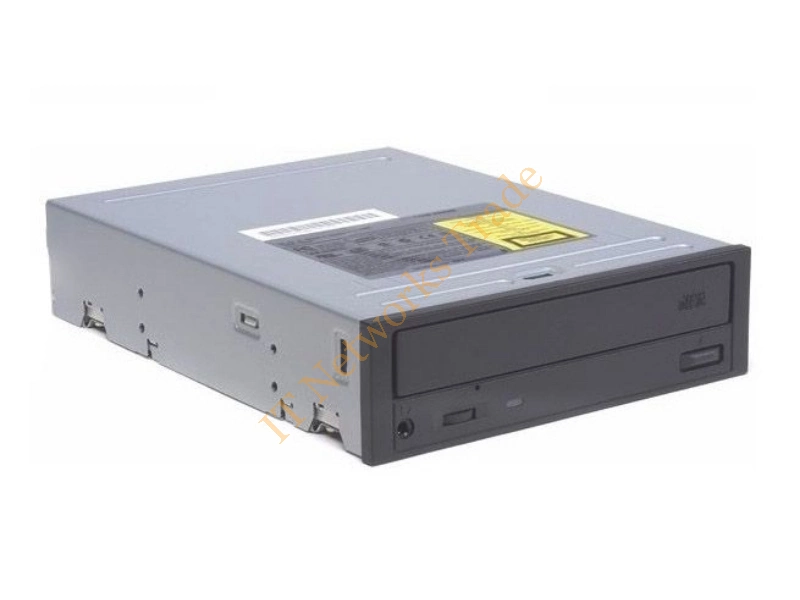
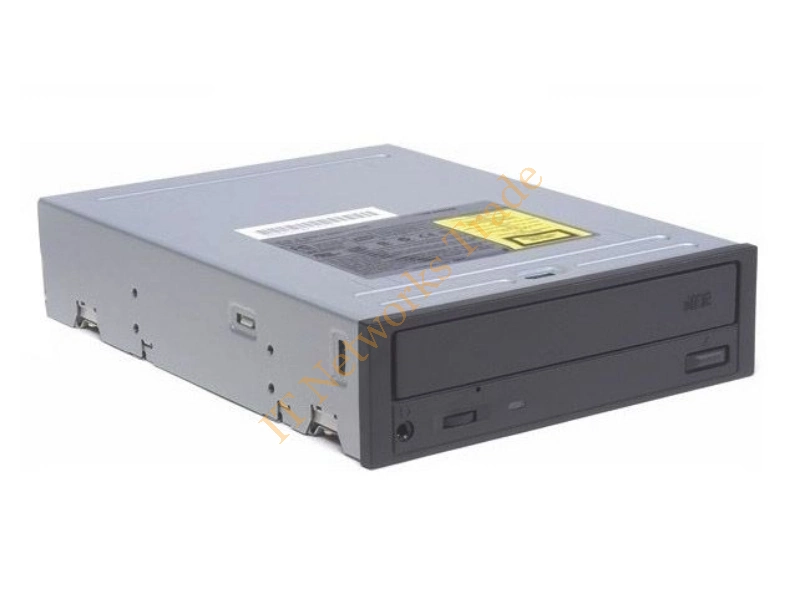
A3416-60001 HP 4X Speed SCSI CD-ROM Optical Drive CD Drive

Part Number: A3416-60001
Manufacturer: HP
£134.16 Inc. VAT
£111.80 Excl. VAT

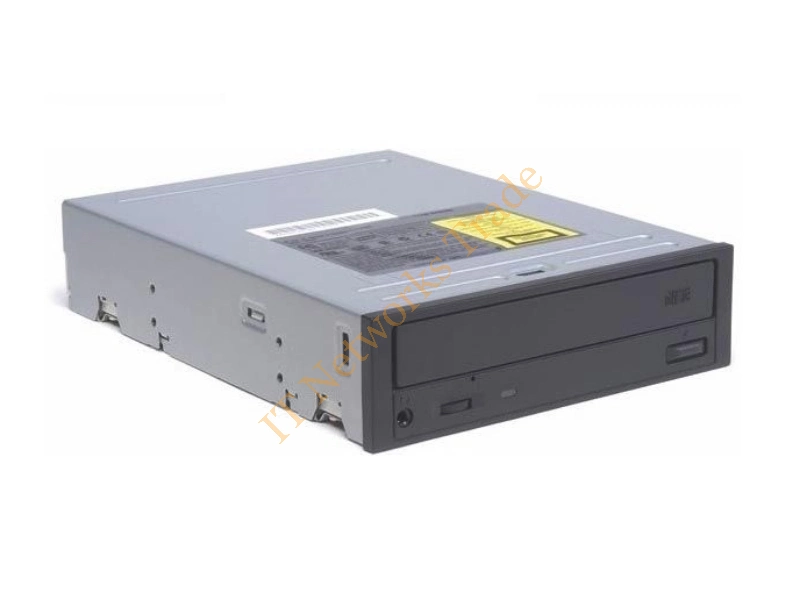
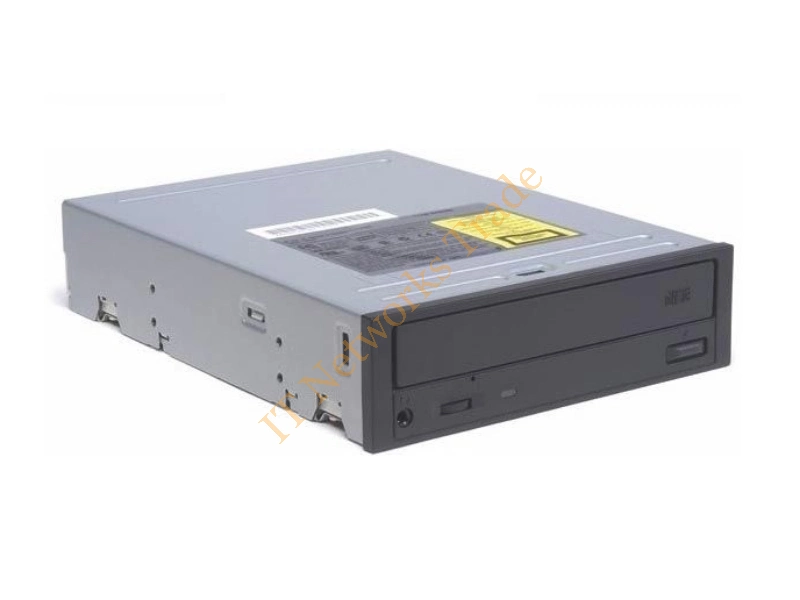
A3416A HP 4x Speed CD-ROM Optical Drive CD Drive

Part Number: A3416A
Manufacturer: HP
£134.16 Inc. VAT
£111.80 Excl. VAT

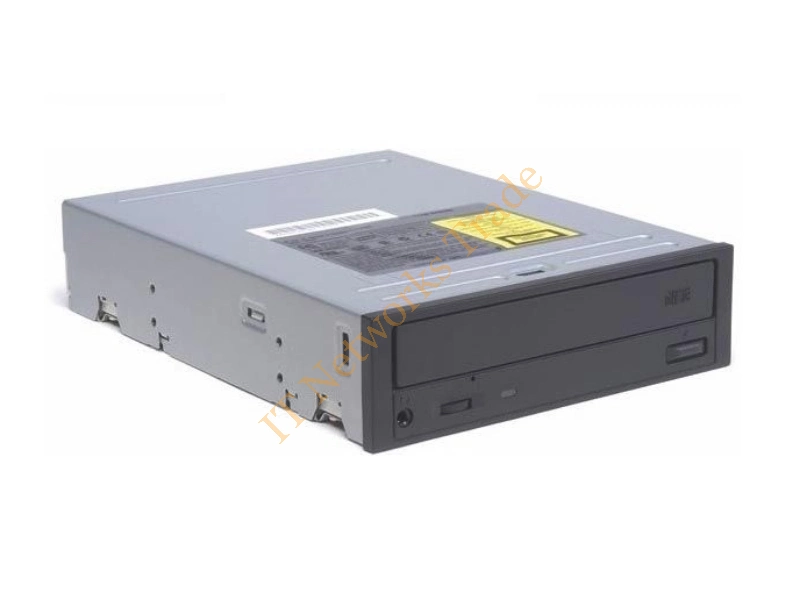
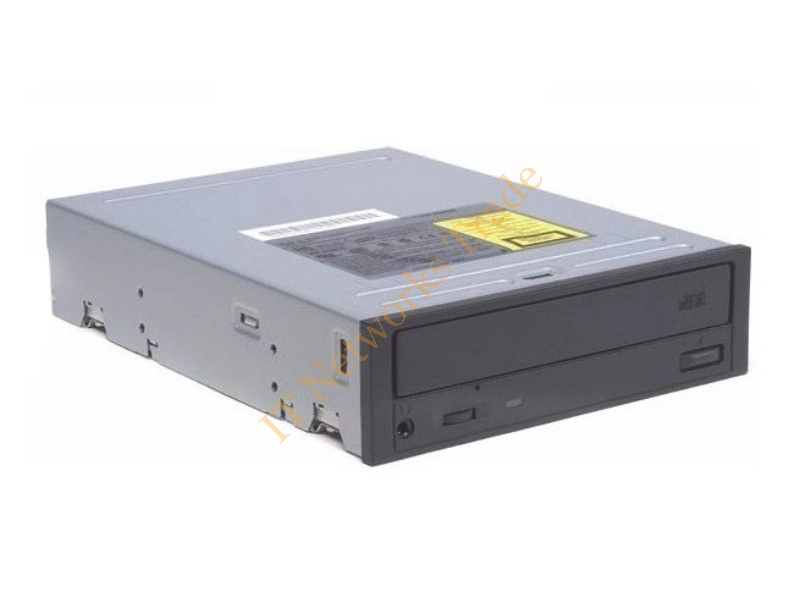
A4190-60025 HP CD-ROM Optical Drive CD Drive

Part Number: A4190-60025
Manufacturer: HP
£134.16 Inc. VAT
£111.80 Excl. VAT

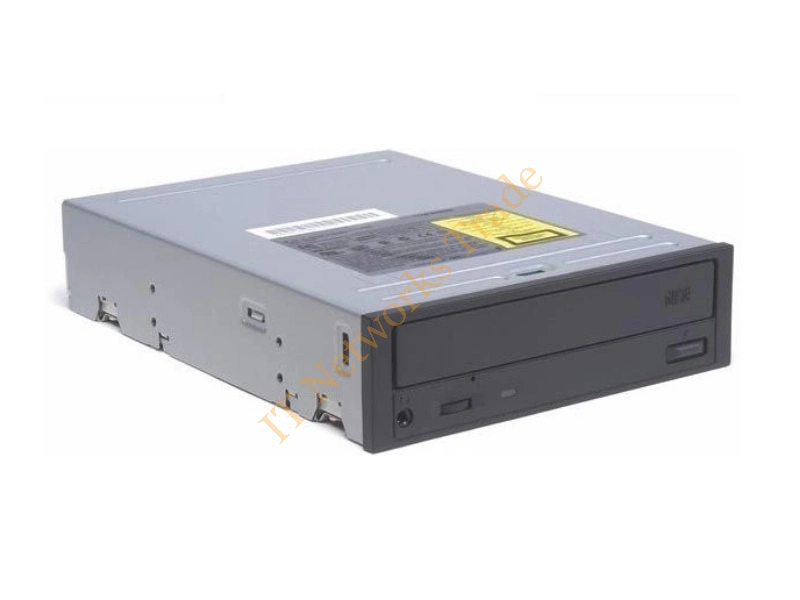
A4325-60001 HP 4 x SCSI 50-Pin CD-ROM Drive

Part Number: A4325-60001
Manufacturer: HP
£190.14 Inc. VAT
£158.45 Excl. VAT

A4389-60052 HP CD-ROM Optical Drive CD Drive

Part Number: A4389-60052
Manufacturer: HP
£134.16 Inc. VAT
£111.80 Excl. VAT

A4389-60091 HP 40X Speed IDE CD-ROM Optical Drive CD Drive

Part Number: A4389-60091
Manufacturer: HP
£134.16 Inc. VAT
£111.80 Excl. VAT

A5001A HP 32x Speed ATAPI Interface CD-ROM Optical Drive CD Drive

Part Number: A5001A
Manufacturer: HP
£190.14 Inc. VAT
£158.45 Excl. VAT

A6028-60001 HP 24X Speed Slimline CD-ROM Optical Drive CD Drive

Part Number: A6028-60001
Manufacturer: HP
£243.17 Inc. VAT
£202.64 Excl. VAT

C2997A HP 20x Speed SCSI CD-ROM Drive

Part Number: C2997A
Manufacturer: HP
£134.16 Inc. VAT
£111.80 Excl. VAT

C4412A HP External CD-Writer CD Drive

Part Number: C4412A
Manufacturer: HP
£190.14 Inc. VAT
£158.45 Excl. VAT

C4489A HP External CD-Writer for Vectra VL410 Desktop CD Drive

Part Number: C4489A
Manufacturer: HP
£134.16 Inc. VAT
£111.80 Excl. VAT

C8KH4 - Internal SATA DVD+/-RW drive, - model HLDS 780 - Warranty: 6M

Part Number: C8KH4
Manufacturer: DELL
£41.02 Inc. VAT
£34.18 Excl. VAT

D2992-63002 HP CD-ROM Drive for NetServer

Part Number: D2992-63002
Manufacturer: HP
£134.16 Inc. VAT
£111.80 Excl. VAT

D2992-63003 HP 4 x CD-ROM Optical Drive CD Drive

Part Number: D2992-63003
Manufacturer: HP
£134.16 Inc. VAT
£111.80 Excl. VAT

D4381-63001 HP CD-ROM Optical Drive for Net Server E40 CD Drive

Part Number: D4381-63001
Manufacturer: HP
£459.66 Inc. VAT
£383.05 Excl. VAT

CD Drives for PCs, Legacy Systems and Optical Media

CD Drives provide dependable access to information stored on compact discs, making them useful for computers, workstations, business equipment, and legacy systems. From retrieving archived documents and installing older software to accessing music and backup files, a reliable CD drive can still be an important part of an IT setup. For users working with physical media, replacing a faulty optical drive can restore convenient access to valuable data.

CD-ROM Drives for Data and Media Access

A CD-ROM drive allows compatible computers to read data stored on standard CDs. These disc drives can be useful for accessing drivers, applications, archived files, reference material, and other content distributed on optical media. Depending on the system, you can choose between an internal optical drive for desktop installation or an external CD drive for convenient connectivity with laptops and compact computers.
When selecting a CD drive for PC, consider the interface, drive size, mounting configuration, operating-system compatibility, and required read speed. Users who need to create their own discs may prefer a CD writer or CD burner with recording capabilities rather than a read-only model.

Leading CD Drive Brands

Our range can feature products from many familiar names in computer and optical hardware, including ASUS, LG, Sony, Panasonic, Pioneer, Lite-On, Plextor, TEAC, Toshiba, Samsung, Buffalo, Fujitsu, Dell, HP, Lenovo, and I-O DATA. These brands offer options for different generations of computers, professional workstations, home systems, and specialist applications.

Find a Compatible CD Optical Drive

Whether you're restoring an older PC, accessing archived information, installing legacy software, or adding optical media support to a modern computer, choosing the correct CD optical drive is essential. Verify the connection type and physical compatibility before purchasing.
Browse our CD Drives collection for dependable optical hardware suitable for data retrieval, software installation, media access, system maintenance, and legacy computing. Find the right CD-ROM drive or external CD drive to keep your physical media accessible.